
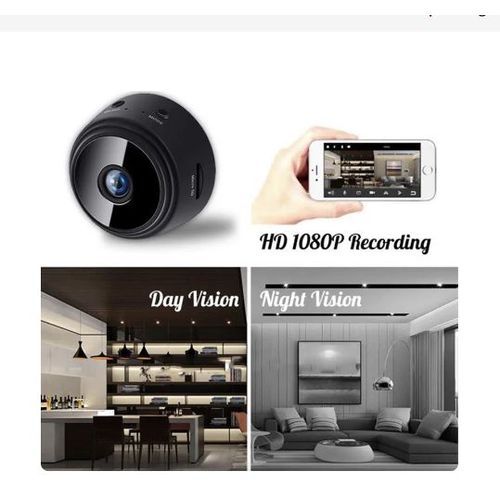

A9 Mini Smart Camera WiFi Remote Wireless Monitoring Negotiable
₦38,000
Description
Features
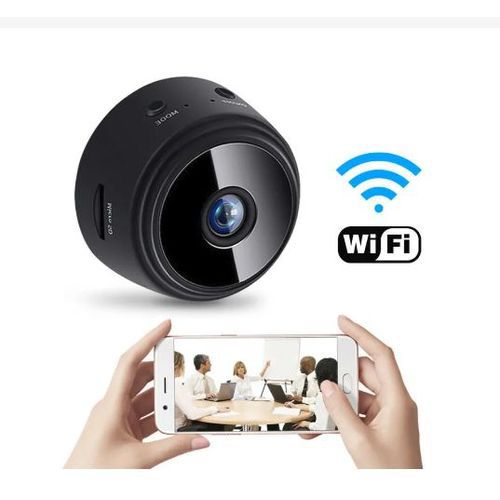
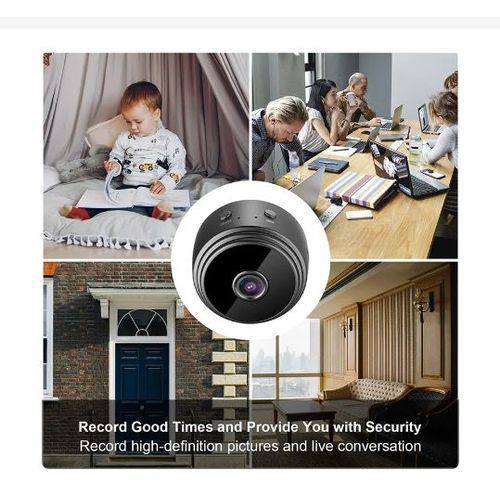
A9 Mini Smart Camera WiFi Remote Wireless Monitoring 1080p Ip Camara Vigilancia Wifi Security Protection Surveillance Cameras
Download the APP first, scan the QR code of the manual on the mobile phone, or search for V720 directly in the mobile phone's app store
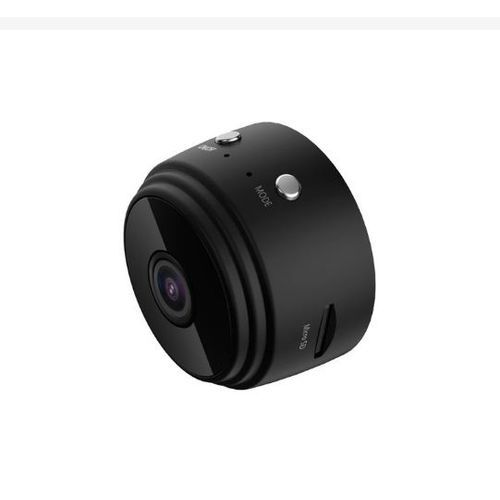
After the APP installation is completed, the camera is powered on by plugging in the power key, and then long press the MODE key until the blue indicator flashes to enter the hot spot/distribution network mode
Hotspot mode: open the mobile phone's WiFi settings, find the camera hotspot, the hotspot beginning with NAX..., connect, and after the connection is successful, open the APP camera to automatically add
In the distribution network mode, the mobile phone WiFi settings are connected to the WiFi of your home, then open the APP, click to add a camera, and follow the steps to operate the distribution network. (Note the distribution network mode. It must be long press the MODE key, and the indicator will flash. In addition, the camera only supports 2.4GWiFi.)
Description:
Size: 5*4.5*4.5cm
Video Format: AVI
Memory Card Type: support TF card up to 64GB, (TF is not included)
Compressed Format: H.264
APP Support: Android/iOS
120°Wide-angle
Key Features
Wifi controlled by Cellphone or computer
How To Use
Press the ON/OFF button about 3 seconds to turn on the camera.
Find and connect the camera wifi hotspot in your phone WLAN setting.
Or, scan the camera QR Code and connect your home 2.4GHz wifi in the App Settings-WiFi Config.
Watch the live video.
What’s in the box
Package Included:
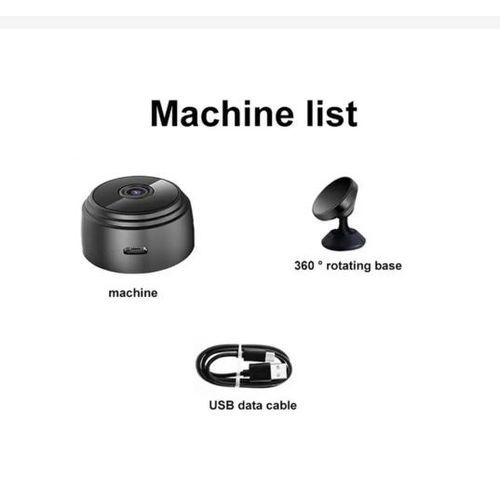
1*mini camera
1*charging cable
1*adjustable support
1*English manual
Specifications
SKU: GE779CM4EPBWQNAFAMZ
Product Line: Gadget Place
Model: A9 Mini
Weight (kg): 1
Color: Black
Main Material: Multi-Material
Powered by Froala Editor
Video Description
SECURED PAYMENT
We ensure secure payment!
FAST DELIVERY
3Days Delivery Available in Lagos
Shipping & Returns
We deliver to all states in Nigeria. For full details of the delivery options we offer, please view our Delivery information. We hope you'll love every purchase, but if you ever need to return an item you can do so within of receipt. For full details of how to make a return, please view our Returns information
0 reviews for A9 Mini Smart Camera WiFi Remote Wireless Monitoring
5Average RatingRated
Submit Review